
Listing photos where you instantly see which room is which.
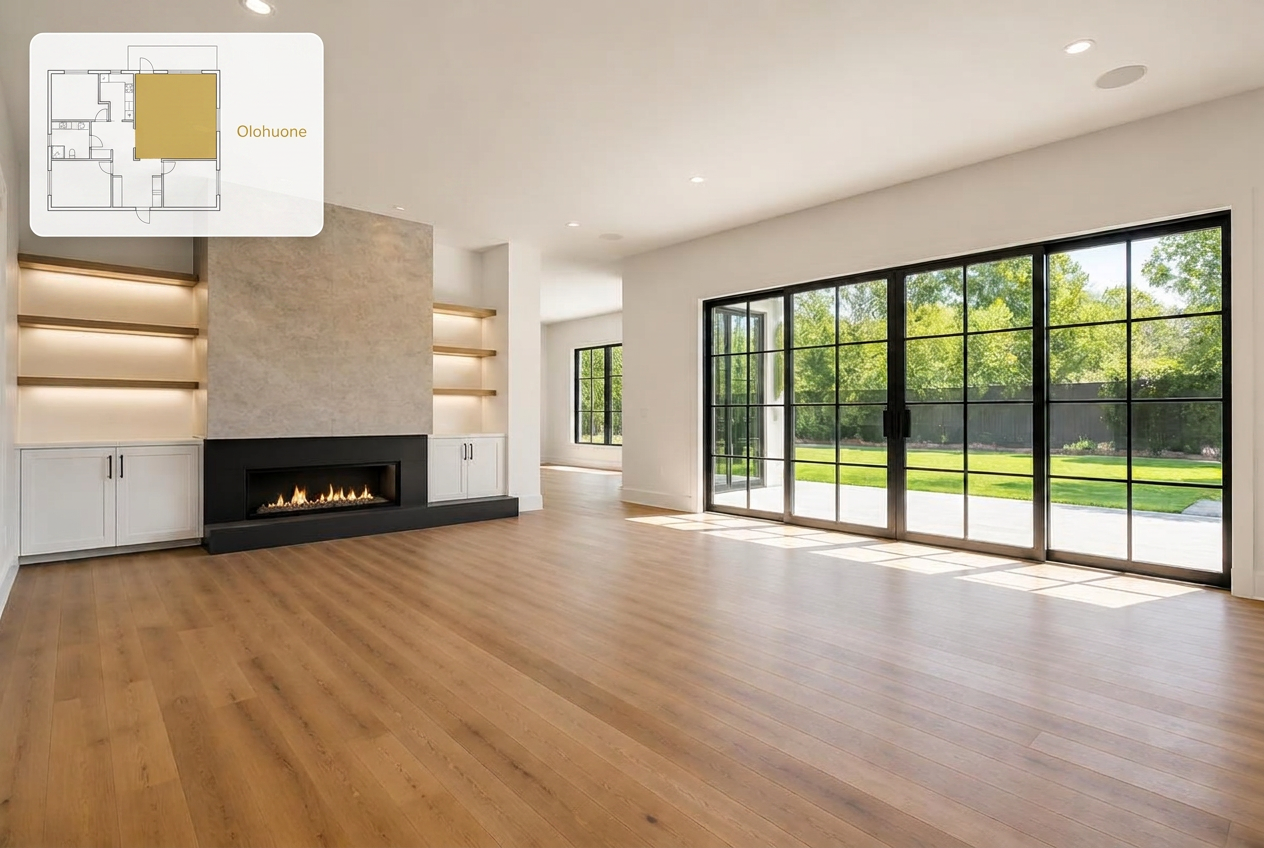
Roomark adds a small floor-plan snippet and room name to every listing photo, so viewers never have to guess. When needed, you can also AI-stage empty rooms to make them look furnished.
Results
Before and after
Room label
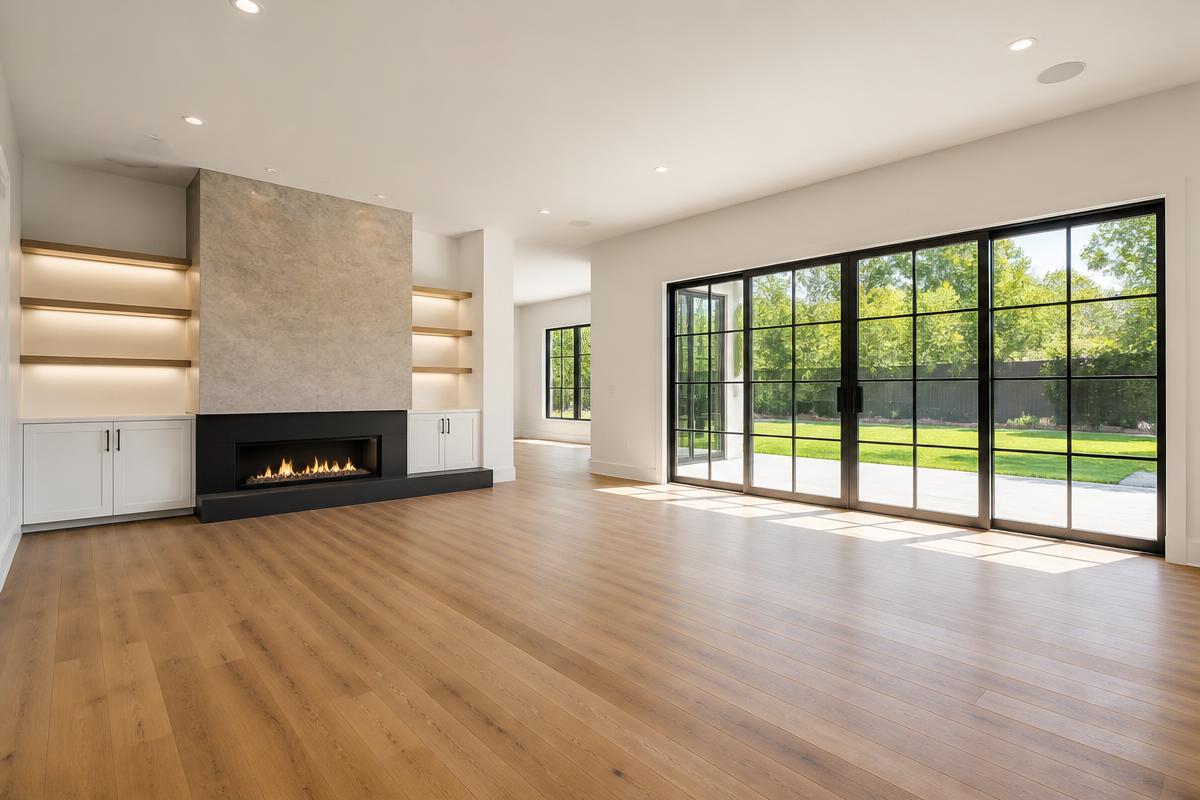
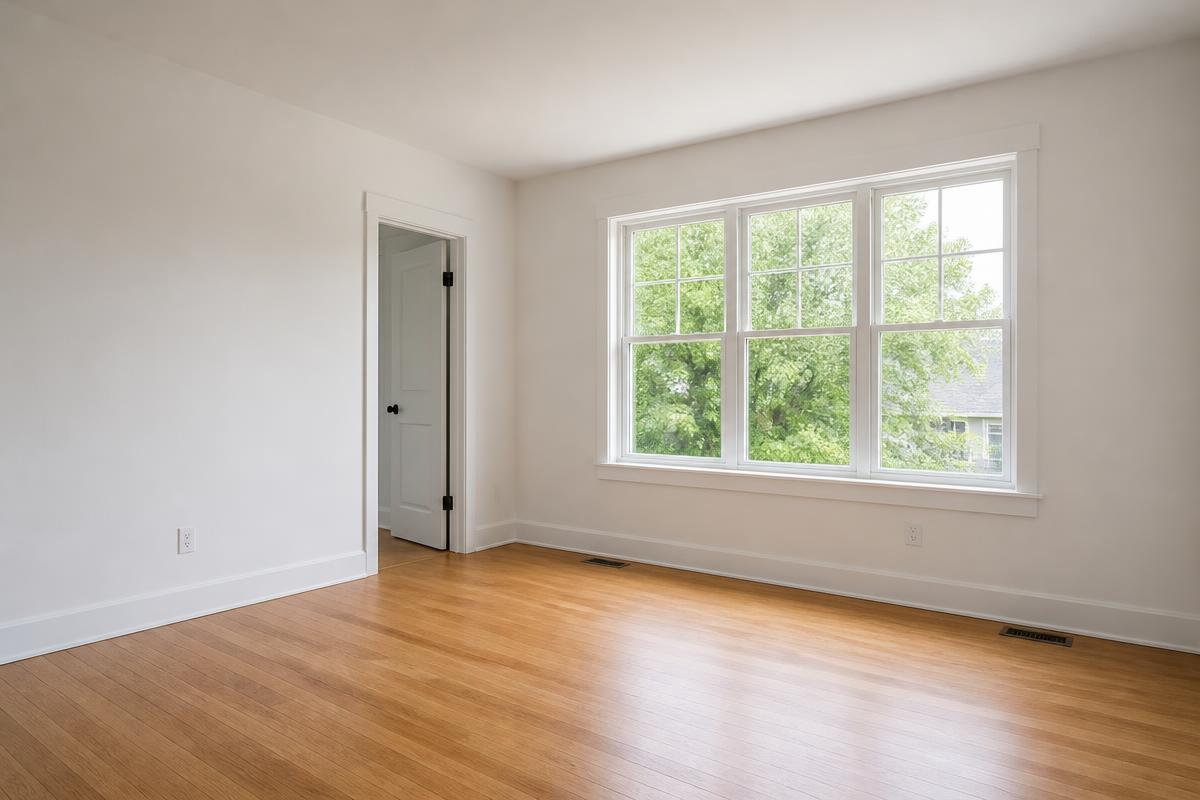
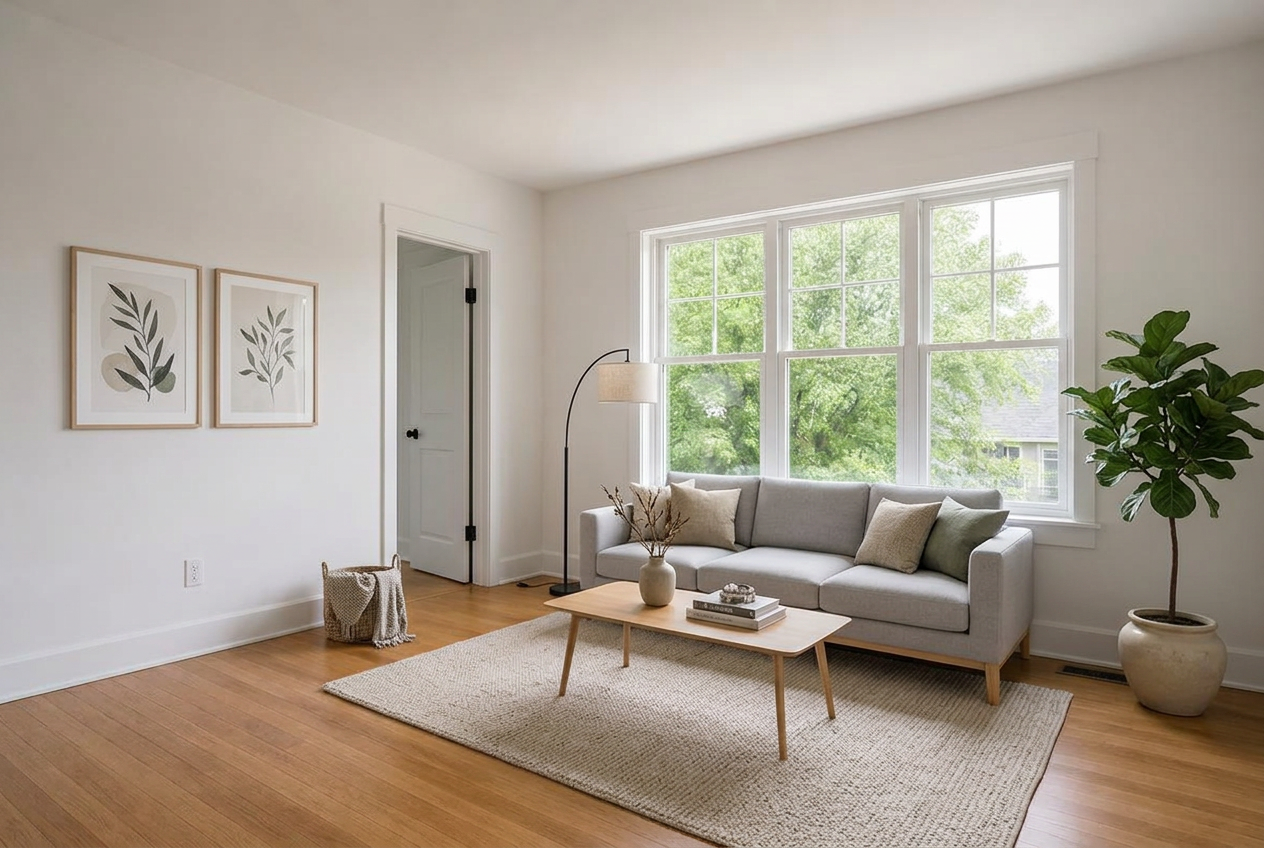
AI virtual staging
How it works
Four simple steps
- Step 01
Upload the floor plan
Bring in the apartment's floor plan and the listing photos.
- Step 02
Identify the rooms
Draw the rooms on the floor plan or let Roomark detect them for you.
- Step 03
Label and stage
Every photo gets a room label. Optionally add AI virtual staging to empty rooms.
- Step 04
Download the images
Export the finished photos, ready for your listings.
Features
Label or stage
01 — Feature
Clear room labels
Draw the rooms on the floor plan once, or let AI detect them for you. Each photo gets its own label — you control its style, size and placement.
02 — Feature
AI virtual staging
Turn an empty room into a fully-styled space in seconds. Same room, same angle — only the furniture and atmosphere change.

03 — Feature
Saved listings
Save the floor plan and room mappings to your account to continue the same listing later. You can also finish everything in one go without saving anything.

04 — Feature
Your material stays yours
We don't store your listing photos or the AI-staged images. Only the floor plan and room mappings stay on your account so you can continue labeling later.
Pricing
Try everything for free
Sign up in seconds and try both room labeling and AI staging. Start free, upgrade later if Roomark becomes part of your routine.
Free
I want to try it
Everything you need to try it out.
- Try both tools with tight limits
- AI virtual staging included
- Limited testing use
Pro
Regular user
For you if you use Roomark regularly for floor-plan labeling but also want to make some AI-staged images.
- Unlimited floor-plan labeling
- 20 AI staging jobs / month
- Email support
Studio
Lots of staged images
For you if you need more than 40 AI-staged images per month.
- 50 AI staging jobs / month
- Unlimited floor-plan labeling
- Email support
FAQ
The most common questions, briefly
What's the difference between Pro and Studio?
The main difference is the monthly usage allowance. Pro includes 20 AI-staged images and 75 floor-plan room detections per month. Studio increases those allowances to 50 images and 150 room detections.
What are the package usage limits, and why do they exist?
The limits are generous safeguards that most customers never need to think about during normal use. They prevent unusually large volumes, such as creating thousands of AI-staged images with a single subscription. Every use of an AI model has a cost, so a €15 monthly subscription cannot reasonably cover an unlimited number of images.
What happens if I reach a usage limit?
The limits are designed to be difficult to reach through normal use. If you do reach one, send us a support request. We'll review the situation and can usually reset your usage so you can continue without an additional charge.
Why would I add a floor plan to a listing photo?
When a listing has many photos or the property is unfamiliar, buyers may not immediately know which room they are viewing. A small floor plan shows the room's location at a glance, so they do not need to keep returning to a separate floor-plan image. This makes the gallery easier to browse and the whole property easier to understand.
What does AI staging actually do?
AI staging creates a furnished or styled version of an empty room from the same camera angle. It does not change the walls, floors or structure — only the furniture, textiles and atmosphere — helping the property look more inviting without an expensive photo shoot.
Contact
Ask for a quote or send us a message
Considering Roomark for a whole real-estate office? Want a demo or have a question? Leave your details and we'll get back within a few business days.
- Quote for a team or company
- Onboarding and training
- You need custom usage limits
- You want to pay by traditional invoice